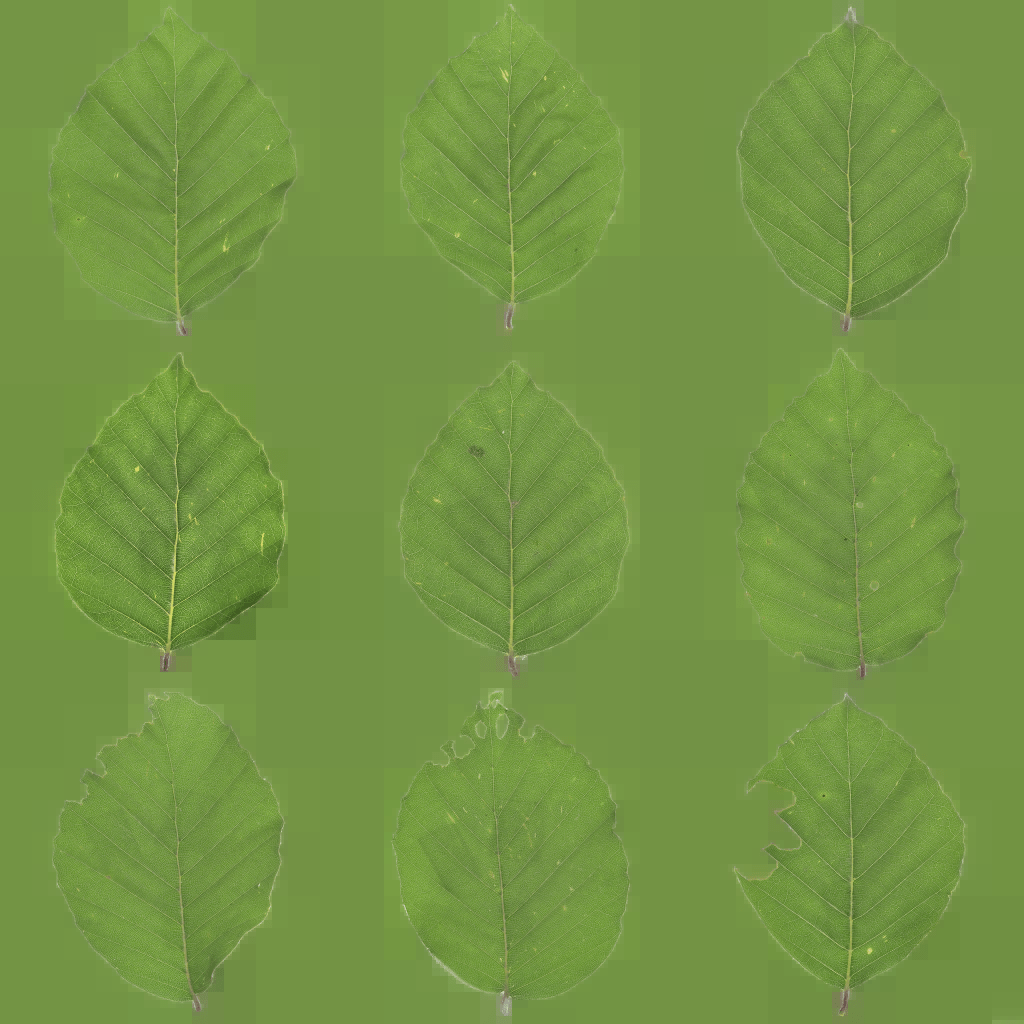
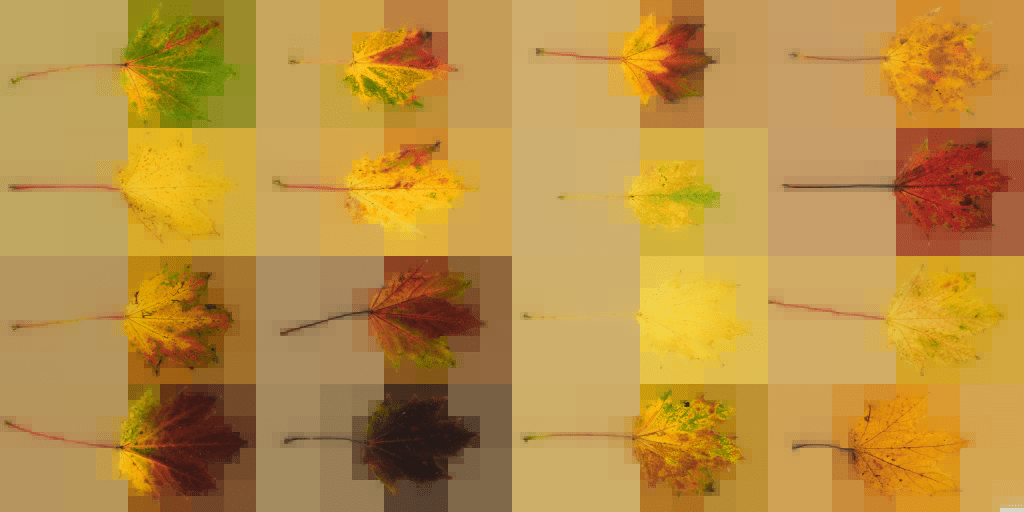
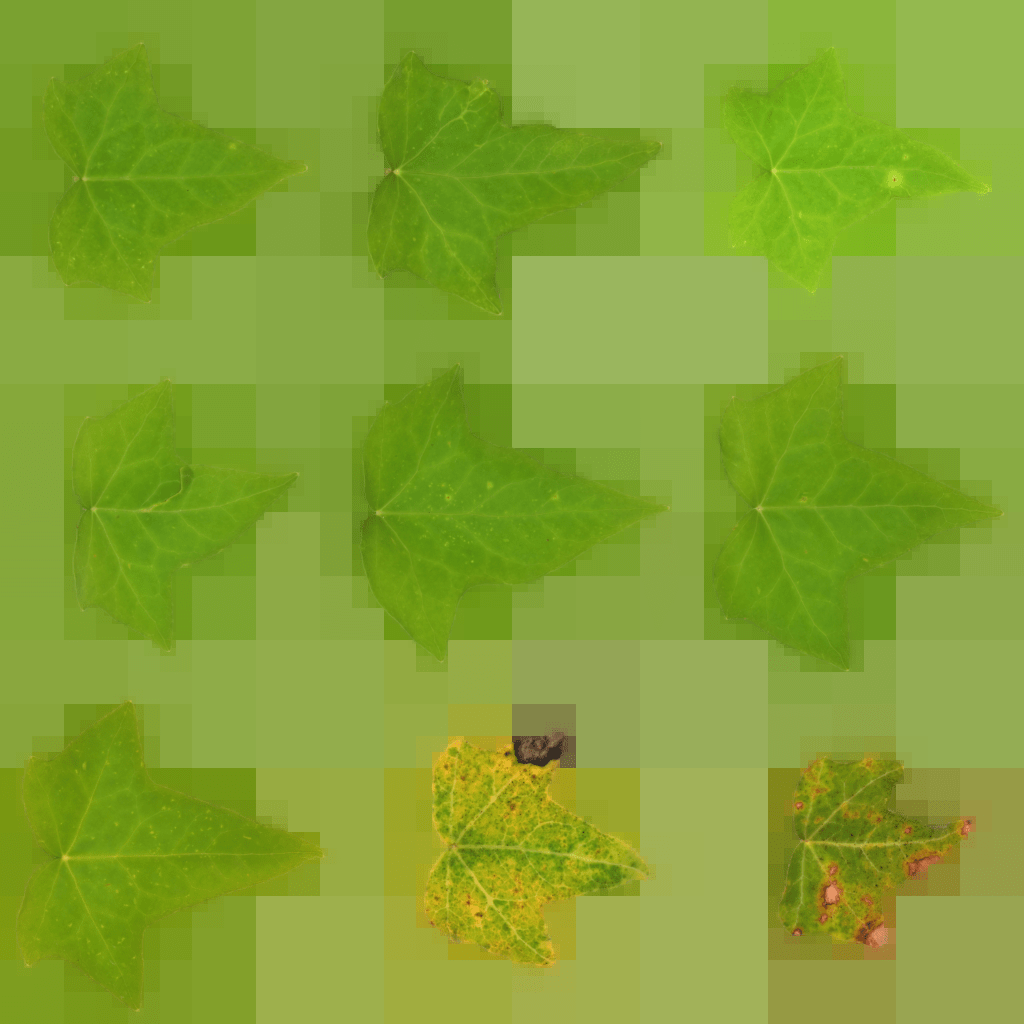
Mip Flooder Demo. Foliage textures from ambientCG.com.
Description
This Mip Flooding tool is designed in C#, WPF and XAML, using .NET and ImageSharp, for artists and developers. The primary function of this tool is to perform the Mip Flooding Algorithm onto Colour Map textures and them save the Mip Flooded Versions.
Mip Flooding is an algorithm developed by Sean Feeley, originally designed to address edge inaccuracy on foliage. It was notably featured in his 2019 Game Developers Conference (GDC) talk, “Interactive Wind and Vegetation in ‘God of War'” and is employed to optimise game texture sizes on disk.
Colour Map vs Mip Flooded Colour Map
Mip Flooding Steps
Interactive Wind and Vegetation in “God of War”
For an image we use un pre multiplied colour.
At each step we scale it down to half of its size weighting the samples by their alpha coverage.
We repeat until we get to one pixel wide or tall.
We remember these textures, and then we walk back up the mip chain, using nearest neighbor upscale.
We composite the higher res mip on top, and we repeat all the way back up the stack.
The primary purpose of Mip Flooding is to enhance the efficiency of texture storage while maintaining visual quality.
It achieves this by selectively reducing the resolution of textures in a way that minimizes perceptual impact.
Notably, Mip Flooding is swift to generate and scales well with image size due to its logarithmic component in the algorithmic time complexity.
Additionally, on disk, Mip Flooding leads to better compression, especially for large areas of constant colour.
The tool operates as follows:
Input Folder Selection:
The user selects an input folder containing texture images which include Colour and Opacity texture maps.
Gallery Display:
The tool displays all the Albedo/Colour Maps in a gallery grid format.
Each image is presented as a thumbnail or preview within the grid.
Mip FloodingGeneration:
When the user clicks the Generate button:
The Mip Flooding Algorithm is applied to the displayed colour maps.
The Mip Flooded Textures are shown in place of the original textures.
Save Functionality:
Clicking the Save button:
Saves the Mip Flooded images into the user’s selected folder.
The resulting textures are now more space-efficient on disk.
In summary, this tool streamlines the process of optimising Albedo/Colour Map textures using the Mip Flooding Algorithm, making them more memory efficient for game development and other applications.




 Wei Yong's Tech Art Blog